Ubuntu SRS 搭建视频推流RTMP
1. srsr 推流服务器编译安装
1.1 克隆代码
git clone -b 4.0release https://gitee.com/ossrs/srs.git

1.2 配置编译
cd ./srs/trunk
./configure
make
1.3 启动
./objs/srs -c conf/srs.conf

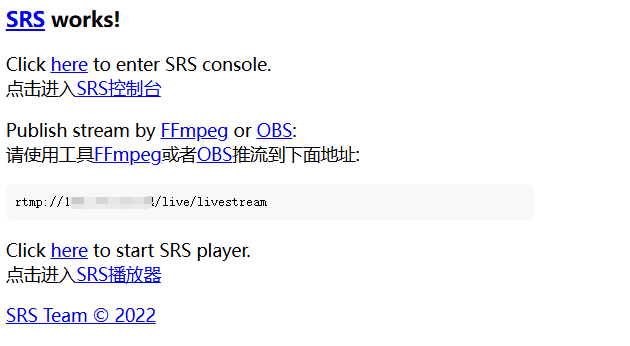
1.4 浏览器进入,状态查看
# 查看SRS的状态
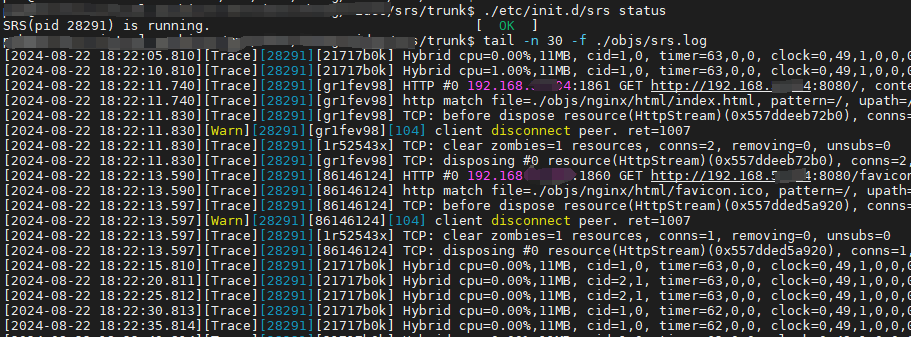
./etc/init.d/srs status

# 或者看SRS的日志
tail -n 30 -f ./objs/srs.log
相关控制:
# 启动
/etc/init.d/srs start
# 停止
/etc/init.d/srs stop
2. 推流工具OBS
2.1 推流工具安装使用
https://obsproject.com/welcome
新增

设置->直播->服务->自定义,
推流地址:rtmp://192.168.5.124/live

开始直播

网络可以预览
http://192.168.5.124:8080/console/ng_index.html#/streams?port=1985

还可以在网页上直接看预览
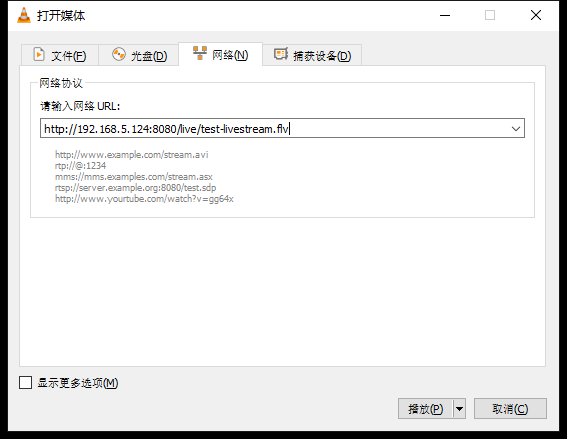
3. VLC 播放
打开